Stories & Co.

Photo Editing Mobile Applications

Ever taken THE perfect photo? Your outfit looks great, the lighting is on point, everything seems to look amazing except for that one photobomber at the corner of the photo? Don’t worry, we got you! Whether you’re an Android or Apple user, here are five photo editing applications for you to get the perfect photo.

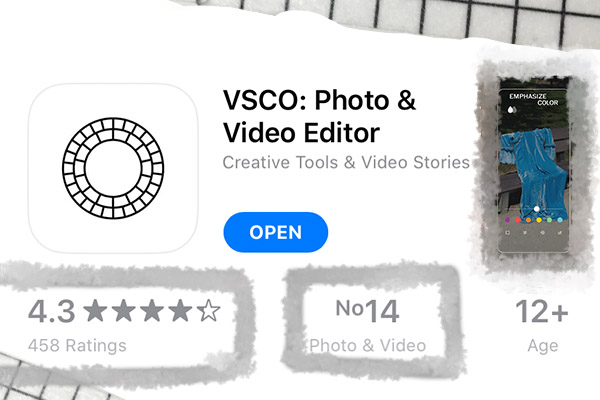
1. VSCO (available for free on both IOS and android)

(PHOTO BY: Dylan Tan) Photo of application taken on June 10, 2020.

SKSKSKSCRUNCHIE! Everyone knows about the VSCO girl meme, but do you know where it originated from? VSCO is a minimalistically designed photo editing app that has its network of users. This means that you can have a VSCO account and upload your edited photos or videos for other VSCO users to see. VSCO also has an in-app camera, which allows you to shoot photos in RAW format (images that have not been adjusted by any software) for higher quality. In order to focus on the creative aspect of photos, VSCO does not have a system where a user can like or comment on other users’ photos.

When you first create a VSCO account, you are entitled to basic photo editing tools and 10 free presets. You can even customise and make your own presets. However, if you would like to access over 200 presets, a wide array of photo and video editing tools, and exclusive access to editorial content, opt for the VSCO membership! The membership only costs $19.99 annually. As of today, VSCO has over two million paid subscribers.

(PHOTO BY: Dylan) Photo taken (left) and edited (right) on VSCO using the free preset HB2 on June 10, 2020.

Here are some helpful information if you are new to VSCO: 

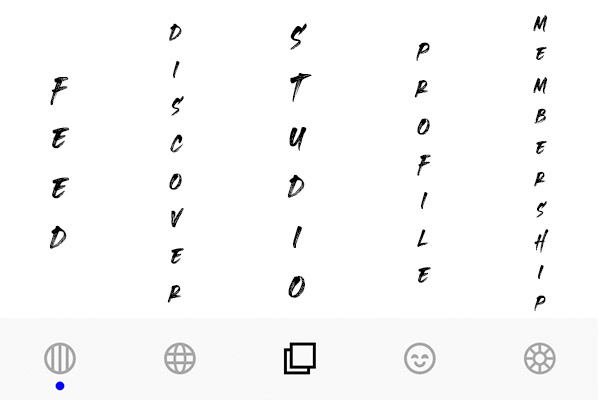
There are a total of five tabs in the VSCO app. Feed, Discover, Studio, Profile, and Membership. (Left to Right)

(PHOTO BY: Dylan) Photo taken and edited to show different tabs in VSCO.

1. FEED: 
You are able to follow your friends and other users in your FEED. You can favourite and repost pictures or videos that you like. See what preset your favourite photo has used and save those presets.

2. DISCOVER: 
This tab showcases many amazing photos of other users. It consists of various topics ranging from nature to fashion. You can seek inspiration from these photos.

3. STUDIO: 
The STUDIO tab is meant for your eyes only! It contains all your edited and unedited work for easier access.

4. PROFILE: 
Your PROFILE is where you post your photos and videos! You can also repost photos from other users in your feed and many more. This can be used as a mood board or display your portfolio of projects. Your account is public by default and you cannot see who your followers are.

5. MEMBERSHIP:
This is the tab that explains the features of the membership.

2. PicsArt  (available for free on both IOS and android)

(PHOTO BY: Dylan) Photo of application taken on June 10, 2020.

In the words of Justin Bieber, “picture perfect you don’t need no filter”. But a filter or two will not hurt anyone right?

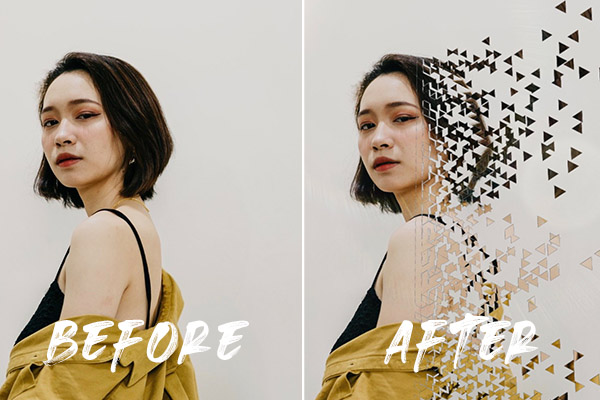
(PHOTO BY: Dylan) Photo taken (left) and edited (right) on PicsArt using the dispersion effect and the addition of free stickers on June 10, 2020.

PicsArt has many features that take your photos to the next level. For example, it has easy-and-friendly-to-use editing tools, 3 million free stickers that you can add on to your pictures and many creative templates that you can use. There are even “magic” effects and challenges to test your creativity. The best part about this app is that the majority of the functions are free!

However, if you would like to fully utilise all the resources from PicsArt, you can pay a gold membership status of SGD$6.48 per month. Download this app and toggle with it. This easy and fuss-free app will totally change your Instagram photo game.
3. Adobe Lightroom Photo Editor  (available for free on both IOS and android)

(PHOTO BY: Dylan) Photo of application taken on June 10, 2020.

Want to take amazing pictures or edit like a pro, but unsure how to? Adobe Lightroom might just be the perfect editing tool for you. This application is for anyone: beginners, amateurs and even professionals can utilise this photo editing app. It includes easy-to-use yet insanely powerful editing tools, stunning presets and colour enhancement features. The app is topped with a powerful camera function which allows you to adjust your exposure, aperture and ISO! Plus, you can make use of a healing brush while editing to remove unwanted subjects in your photos. So, if you want to remove that photobomber for your next Instagram post, you know which app to download.

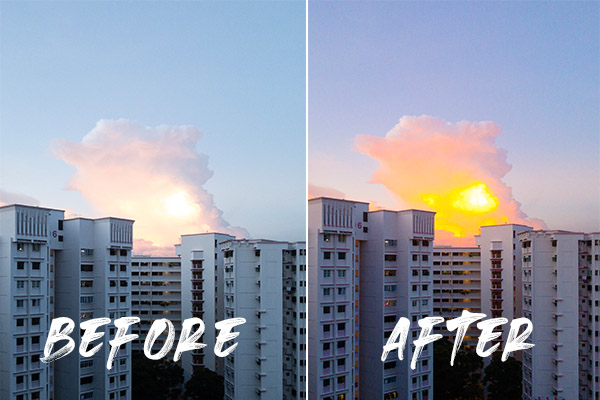
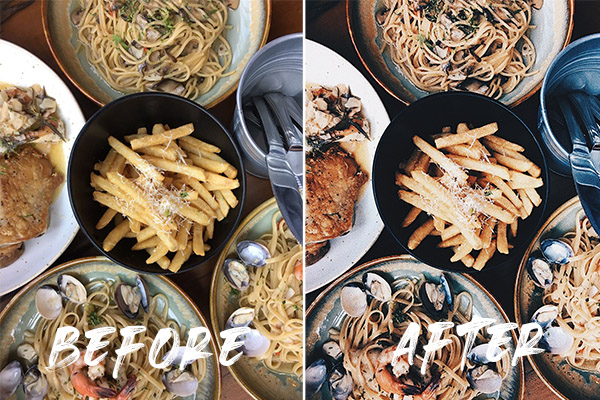
(PHOTO BY: Dylan) Photo taken (left) and edited (right) on Adobe Lightroom Photo Editor using the High Contrast preset on June 10, 2020.

Adobe Lightroom also has an optional subscription for SGD$6.98 per month. There are even more advanced editing tools unlocked for you to use such as increased cloud storage, editing of RAW photos and editing photos in large batches! However, if you are just looking to casually edit your photos after your photoshoot, Adobe Lightroom without a subscription should be more than enough for you.

 4. Touchretouch  (paid and available on both IOS and android)

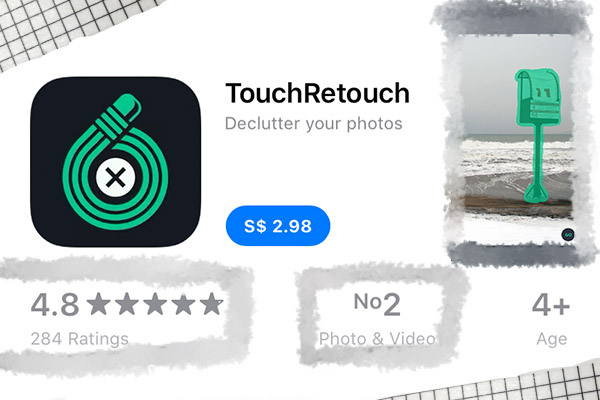
(PHOTO BY: Dylan) Photo of application taken on June 10, 2020.

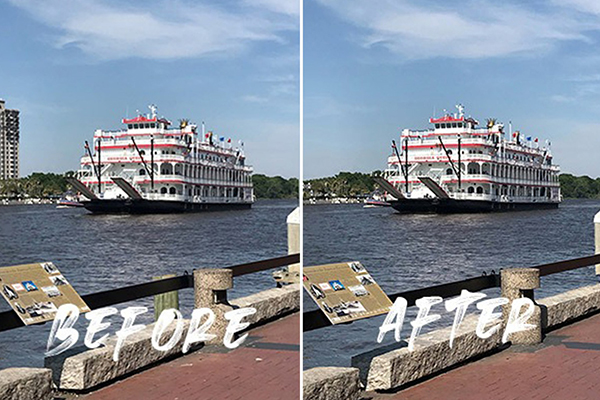
We hate photobombers, especially when it is the perfect picture you have of yourself. Touchretouch is the ideal app for you to remove them! With just a simple touch and adjustment, your objects and photobombers are gone. Not only that, Touchretouch offers features like eliminating skin blemishes. The best part of this app for us would be the in-app video tutorials Touchretouch offers! Editing has never been this easy! If you are interested, the app comes with a fee of $2.99 for both the Apple Store and Google Play Store.

(PHOTO BY: Dylan) Photo taken from https://www.idownloadblog.com/2018/10/23/remove-objects-from-photos-touchretouch/ and edited on June 10, 2020.

5. Facetune (paid and available on both IOS and android)

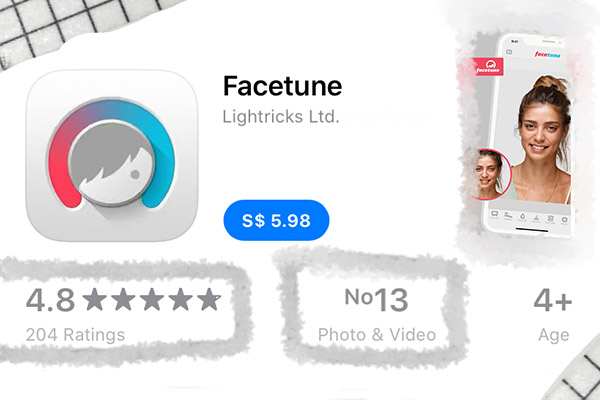
(PHOTO BY: Dylan) Photo of application taken on June 10, 2020.

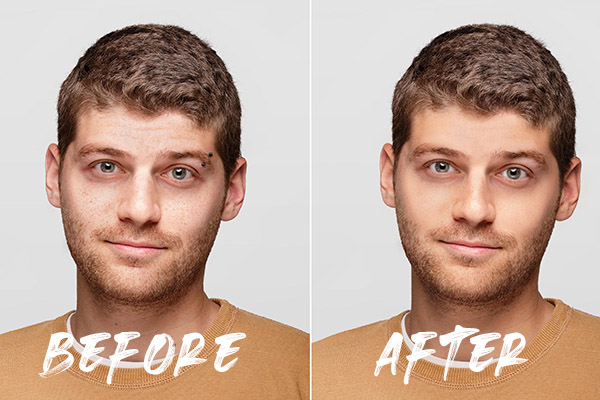
Breakout season? Facetune has your back! Facetune is a realistic photo editing app that is mainly used to edit selfies. Other than the basic photo editing tools, Facetune also provides unique tools that remove your blemishes and acne. It even allows you to add makeup to your face and contours your face. You are also able to change your own features, like changing your eye colour and whitening your teeth. You can also enhance your photos by adding glitter, changing the background, and adjusting the lighting of your picture. Facetune provides a wide variety of filters, lighting, textures, contrast, and frame options for you to choose from.

(PHOTO BY: Dylan) Photo taken from https://www.entrepreneur.com/article/249521 and edited on June 10, 2020.

And these are some of the best editing apps we have chosen for you. What are you waiting for? Get out there, shoot more photos, and use these apps to up your photography game!

By Lim Lek Suen and Ameerah Sallehuddin

Share this post

More
articles